Use the Manage Learner ILPs screen to view and manage ILPs.
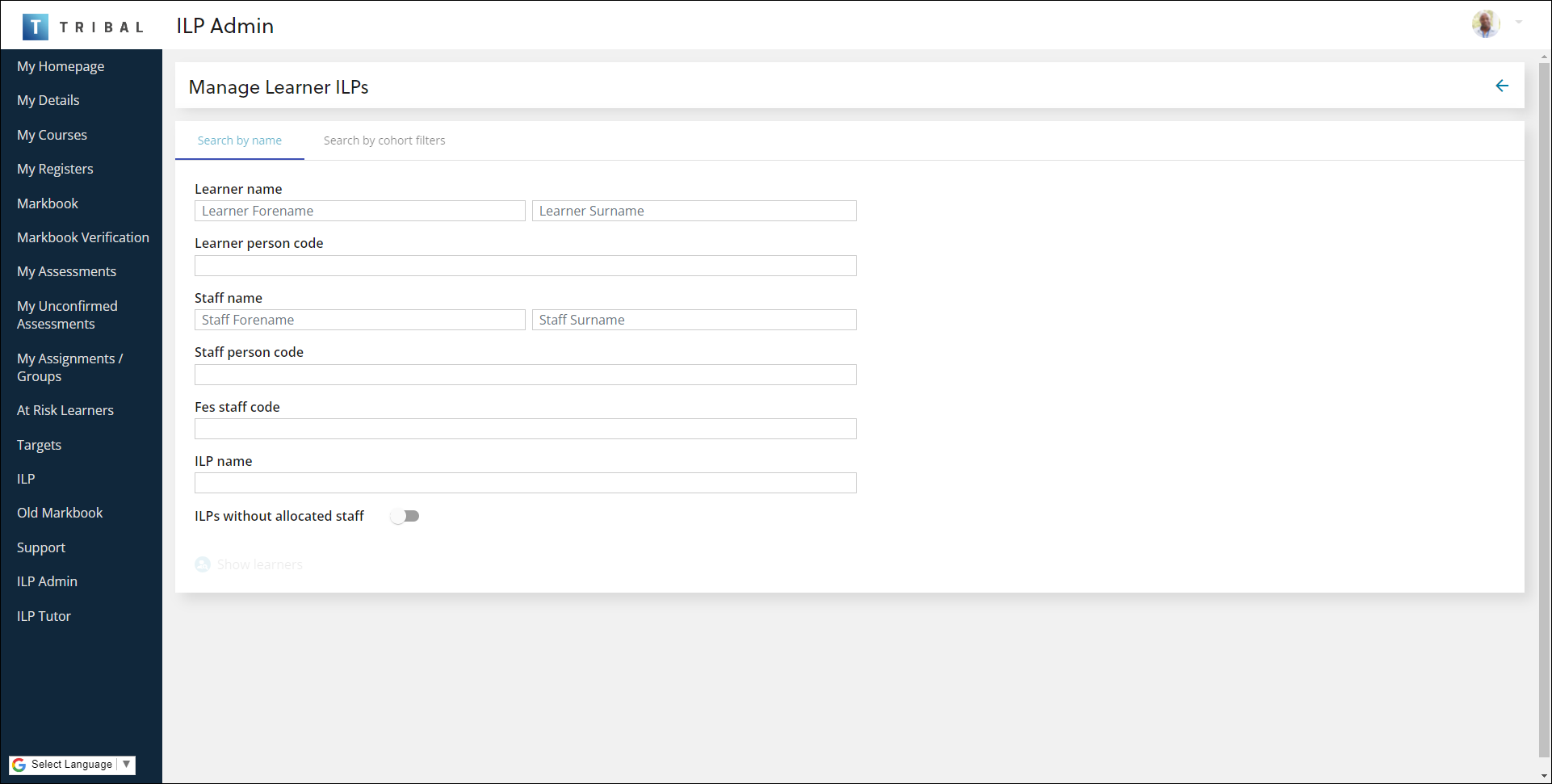
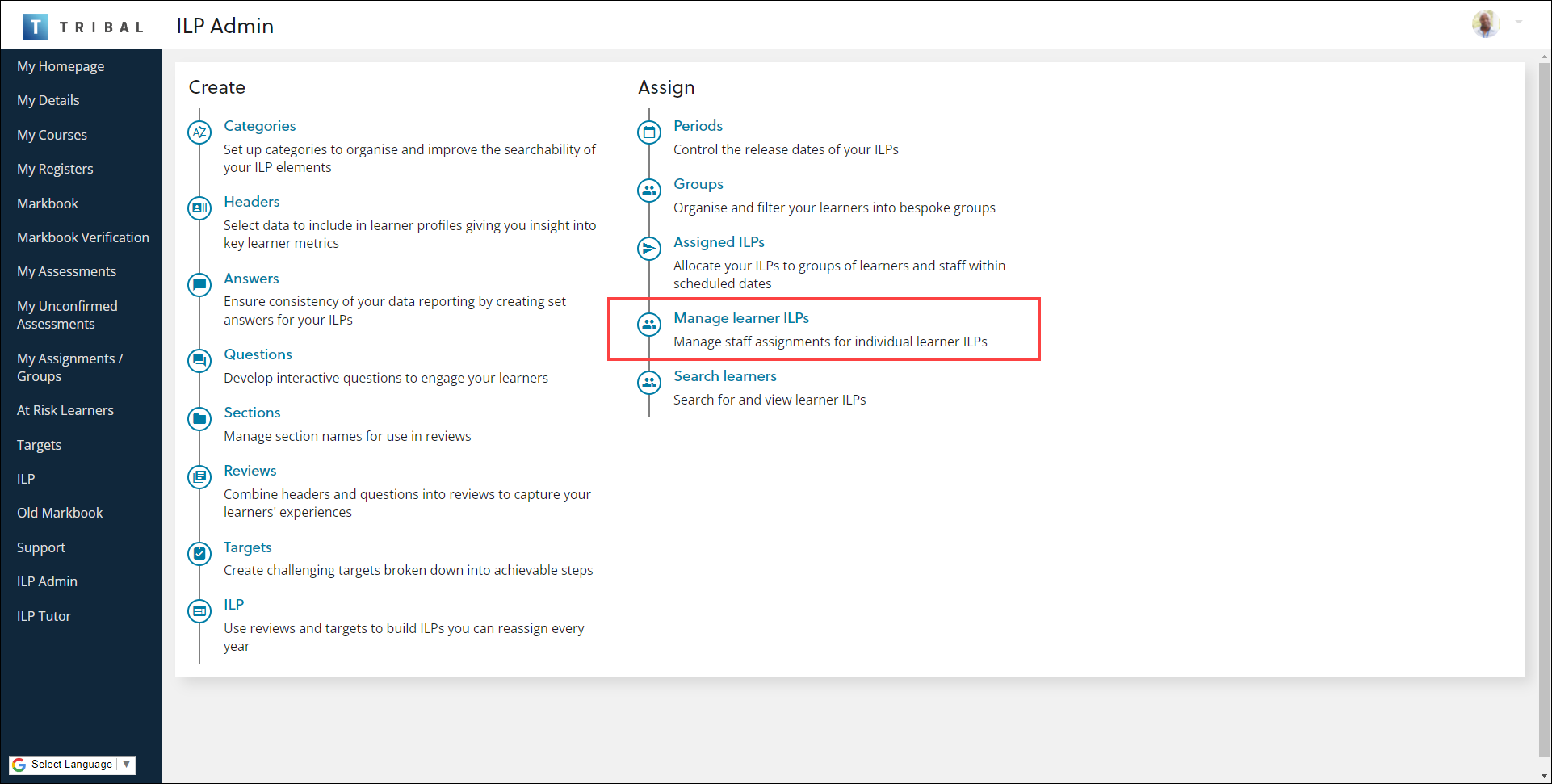
It can be accessed by selecting the Manage Learner ILPs option on the ILP Admin screen.
Use the Manage Learner ILP screen to:
 Search for an ILP by name
To search for learners:
-
Select the Search by name tab.

You can search by:
-
Learner name
-
Learner person code
-
Staff name
-
Staff person code
-
Fes staff code
-
Toggle ILPs without allocated staff
-
-
Enter search criteria.
-
Select the Show learners button.

The search results are displayed.

Search for an ILP by cohort
To search for learners by cohort:
-
Select the Search by cohort filters tab.

You can search by:
-
Cohort Start Date
-
Cohort End Date
-
Organisation unit
-
Add filters to select learners
Important.Select the Add button to add a filter.
-
-
Enter search criteria.
-
Select the Show learners button.

The search results are displayed.
Assign an ILP to a member of staff
To assign a learner to a member of staff:
-
Search for and select the relevant learner(s). Select the Assign Staff button.

Relevant staff members are displayed.

-
Select the relevant staff member. Select the Update Staff Assignments button.

-
Select the Assign staff button.

The learner ILP is assigned.